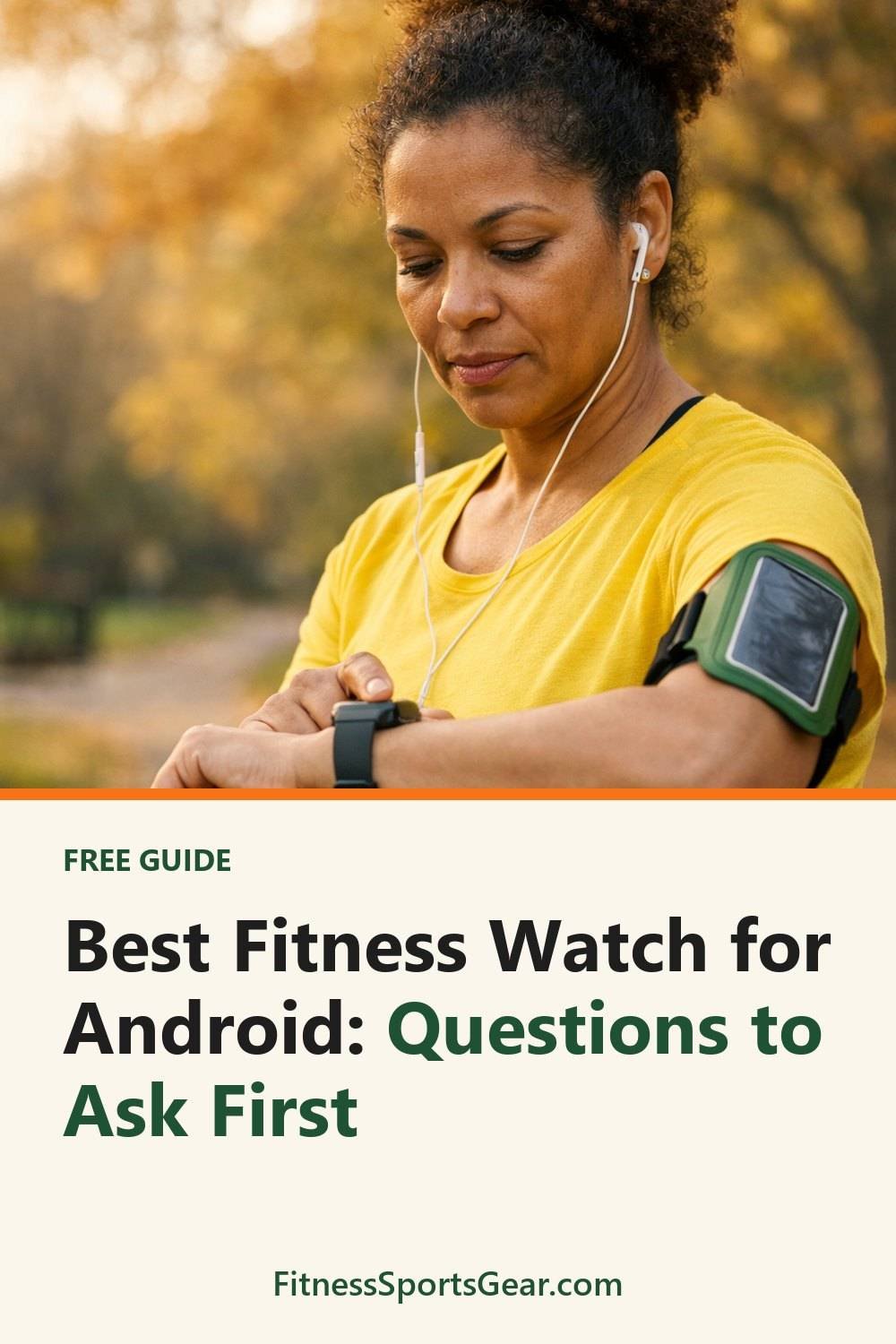
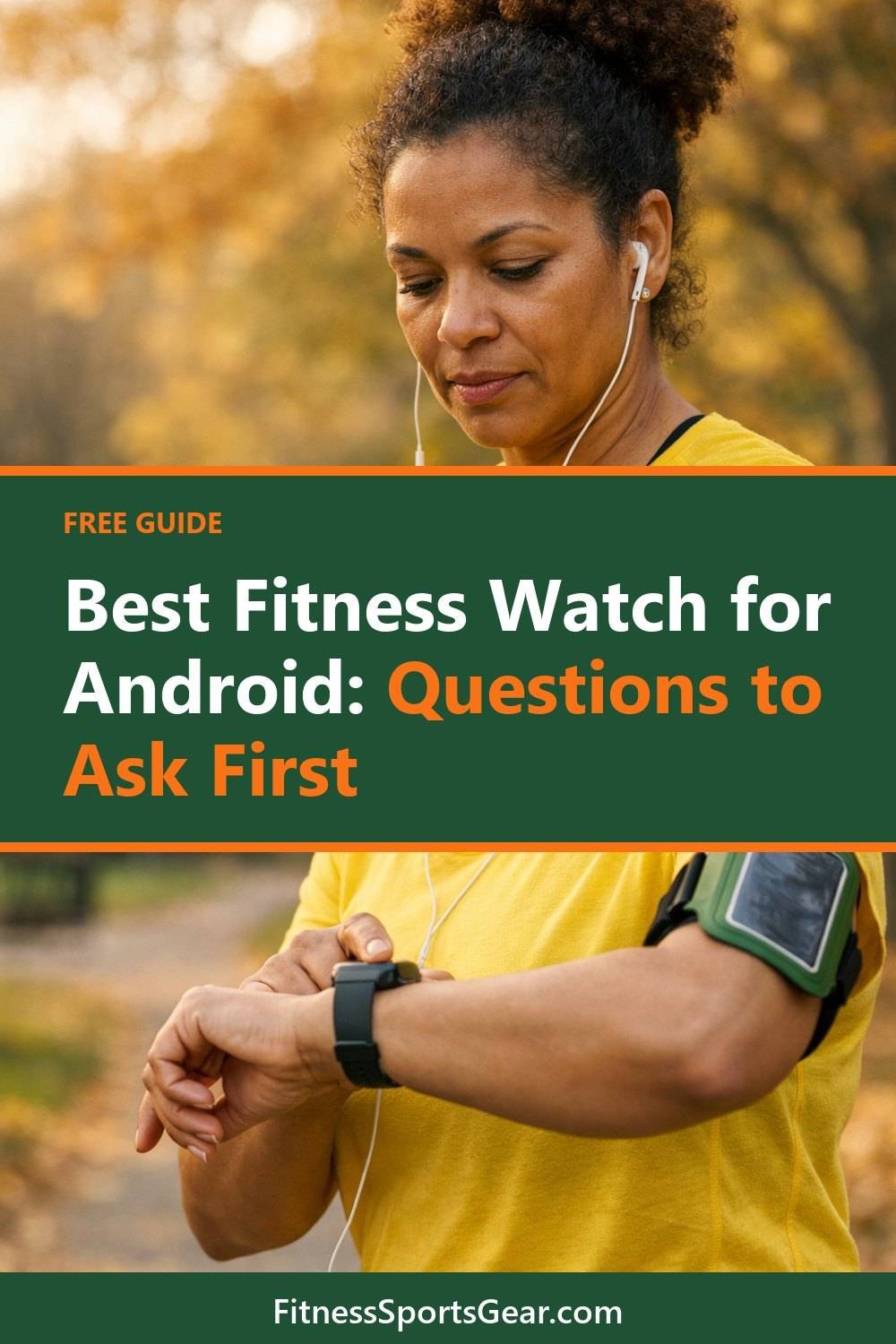
Best Fitness Watch for Android: Questions to Ask First

Many people buy their first fitness watch on a whim, before they know how to pick the best fitness watch for Android. It looked great in the store, and I figured it would work with my Android phone because, well, why wouldn't it? It did connect. Kind of. Notifications showed up late, the sleep data never synced overnight, and the app asked for permissions I didn't feel great about.
That watch went back. The second one I picked more slowly, and I've been happy with it for a long time now. The difference wasn't price or brand. It was that I asked a few plain questions before I paid.
So here they are. These are the questions I'd ask before buying any fitness smartwatch for an Android phone, in the order I'd ask them.
Short on time? Our top picks: Samsung Galaxy Watch, Google Pixel Watch, Garmin Forerunner and Garmin Venu. See all picks
1. Which Android phone do you actually have?
"Works with Android" sounds simple, but it often isn't. Some watches work best with one phone brand and lose features on others. Some need a fairly recent version of Android. A few features, like answering texts from your wrist, may only work on certain phones.
Before you look at anything else, find your phone's model and Android version. On most phones it's under Settings, then "About phone." Write it down or take a screenshot. Then check the watch maker's compatibility page, not just the box or the store listing. Store listings sometimes lag behind.
Tip: Search the watch's support page for your exact phone model. If you see a note like "some features unavailable," read what those features are. You might not care about them. But you might.
2. What should your fitness tracker watch track, honestly?
This is where I see people overspend, me included. It's easy to want every sensor on the list. But if you mostly walk and want to sleep better, you don't need a watch built for trail runners with maps and altitude data.
Think about a normal week. Do you want a step tracker watch to count your steps? Lift weights at home? Run a few times a week? Swim? Track your sleep? Pick the two or three things you'd look at every day. Those matter most. The rest is nice, but you may never open those screens.
One honest opinion: I think built-in GPS gets overrated for casual walkers, and the best running watch isn't always the right pick for them. It's great for runners who leave the phone at home, which is where a watch like the Garmin Forerunner comes in. If your phone is always in your pocket anyway, a watch that borrows its GPS may be fine and often lasts longer on a charge.
Tip: Make a short "must have" list and a "nice to have" list before you shop. When you're comparing two watches, only the first list gets a vote.
3. How long does the battery last in real use?
Battery life on the box is usually measured under certain conditions. Turn on the always-on screen, GPS workouts, and lots of notifications, and that number can drop. The seller's page or manual often explains what the listed days assume, so look for that small print.
Then think about your habits. If you want sleep tracking, you'll wear it overnight, so you need to find another time to charge it. You can charge it while you shower and get dressed. That works for me, but someone who forgets things in the morning might want a watch that goes several days between charges.
Also check the charger itself. Some use a special clip or puck. Lose it on a trip and you're stuck until you find a replacement.
Tip: Look for the battery life "with GPS" or "with always-on display" if the seller lists it. That's usually closer to what you'll see on a busy day.
4. Is your fitness watch water resistant enough for your life?
Water resistance isn't all one thing. A watch that's fine with rain and handwashing isn't always meant for swimming laps. And a watch rated for swimming may still not be meant for hot tubs, saunas, or diving.
Read the rating on the seller's page and then read what they say it covers. Most makers spell it out in plain words somewhere in the support section. If you swim, check that the watch has a swim tracking mode too. Being waterproof and actually counting laps are two different features.
Tip: If the guide says to rinse the watch with fresh water after the pool or the ocean, do it. It takes ten seconds and helps the buttons and sensors last.
Quick side note: if you're getting a watch because you want to start moving more, the free 1-Week Beginner Workout Routine Planner Page you get for joining the email list is a simple way to plan that first week.
5. Which app does it need, and what does it ask for?
This is the one people skip, and it's the one that bugged me most with my first watch. Every fitness watch leans on a phone app. That app is where your data lives, where settings get changed, and where updates come from.
Before buying, look up the app in the Play Store. Read recent reviews, especially the one- and two-star ones from the last few months. Those often tell you about sync problems or a recent update that broke something. Check whether key features need a paid subscription. Some watches, such as certain Fitbit models, show basic stats for free and keep deeper insights behind a monthly fee, so check the details for the one you want.
Then read the privacy details. Health data is personal. See what the app collects, whether you can delete your data, and whether you can export it. What you are okay with is up to you. The point is to know before you strap it on.
Tip: Install the app before you buy the watch, if it lets you. Poke around. If the app feels confusing or cluttered now, it won't feel better later.
6. Will you actually wear it all day?
This sounds obvious, but comfort decides whether a watch gets used or ends up in a drawer, whether it's one of the fitness watches for women or for men. A big, heavy watch, even a rugged sports watch, might look great in photos. On a small wrist at night, it can be the reason you stop tracking sleep after a week.
Look at the size and weight on the seller's page. If you can, try one on in a store, even if you buy elsewhere. Check if the bands are easy to swap, which is also true if you're eyeing a slim fitness tracker bracelet. A soft fabric or silicone band can make a stiff watch much nicer to wear.
Tip: Wear it to bed for the first few nights you own it, even if you don't care about sleep data yet. If it bothers you, you'll find out while you can still return it.
7. What do you plan to do with the numbers?
Here's something that often takes people a while to learn. A watch collects data. It doesn't tell you what to do with it. It's easy to spend weeks glancing at your step count and heart rate without changing anything.
What helped was writing a few things down each week. How many workouts I did, how I felt, what got in the way. Some people like a paper notebook. Others prefer a spreadsheet. If that sounds useful, My Home Workout Journal and the Cardio Corner Planning Spreadsheet Toolkit are both below this post. Use whichever fits how your brain works, or just use a plain notebook. It's the habit that matters.
Tip: Pick one number to watch for a month, like weekly active minutes. Ignore the rest for now. It's much less overwhelming.
8. What's the return policy, really?
This comes last, but check it before you buy. Return windows vary a lot by store. Some only accept returns if the watch is unused or in its original packaging. Others may charge a restocking fee. And the store's policy might be different from the brand's own policy.
Read the seller's return page and note the deadline. Keep the box and all the small parts, like the charger and spare band pieces. Test the things you care about most in the first few days: syncing with your phone, notifications, sleep tracking, and battery.
Tip: Put a reminder in your phone a few days before the return deadline. Ask yourself then: do I like this, or am I just used to it?
Fitness watches worth a look for Android
These are well-known options that work with Android phones in some form. Use the questions above to decide which one fits your phone and your habits.
Samsung Galaxy Watch
Suits people who already use a Samsung phone and want a full smartwatch with fitness tracking. Check which features work with your exact phone model, since some can depend on the phone brand.
Google Pixel Watch
A good fit for people who like the Google ecosystem and want a clean, simple setup with Android. Check the compatibility page for the Android version your phone needs.
Garmin Forerunner
Suits runners and anyone who wants a training-focused watch with built-in GPS. Look at the size and weight to make sure it will be comfortable to sleep in.
Garmin Venu
Suits people who want a brighter, more everyday-looking watch with sports modes and health tracking. Check which features are on the model you are considering, as they vary between versions.
Fitbit Charge
Suits people who prefer a slim band over a full watch and care mostly about steps, sleep and workouts. Check the app details to see which insights may need a paid plan.
Amazfit
A brand with a range of watches and bands for people who want to cover the basics without a big outlay. Read recent app reviews in the Play Store to check how well syncing works on your phone.
Polar
Suits people who care about training and heart rate based coaching. Check how the watch handles notifications on your phone if that matters to you.
Check current plans and prices on each brand's own site before you decide.
FAQ
Can I use an Apple Watch with an Android phone?
Generally, no. Apple Watch is built to pair with an iPhone. If you use Android, look at watches that list Android support on their official compatibility page.
Are cheaper fitness trackers worth it?
They can be, if they cover your "must have" list and the app works well with your phone. Read recent app reviews and the return policy carefully. A low price doesn't help if the sync keeps failing.
Is the heart rate or sleep data accurate?
Wrist trackers give estimates, and they can vary by fit, skin, and activity. They're useful for spotting trends over time. For anything health-related, talk to a doctor rather than relying on the watch.
Do I need a subscription?
It depends on the brand. Many watches work fine without one, but some keep extra insights behind a paid plan. Check the app's details and the seller's page before you buy.
Where to go from here
Take ten minutes, grab your phone, and go through these questions with one or two watches you're thinking about. You'll probably cross one off quickly, and that's a good thing. Once you've picked one, grab the free 1-Week Beginner Workout Routine Planner Page by joining the email list, so your new watch has something to track. Then, if you'd like a place to keep your progress, take a look at My Home Workout Journal and the Cardio Corner Planning Spreadsheet Toolkit below this post.
Printables and tools that can help
Cardio Corner Planning Spreadsheet Toolkit
A spreadsheet with a summary page and a calculator sheet. Works in Excel and Google...
See details